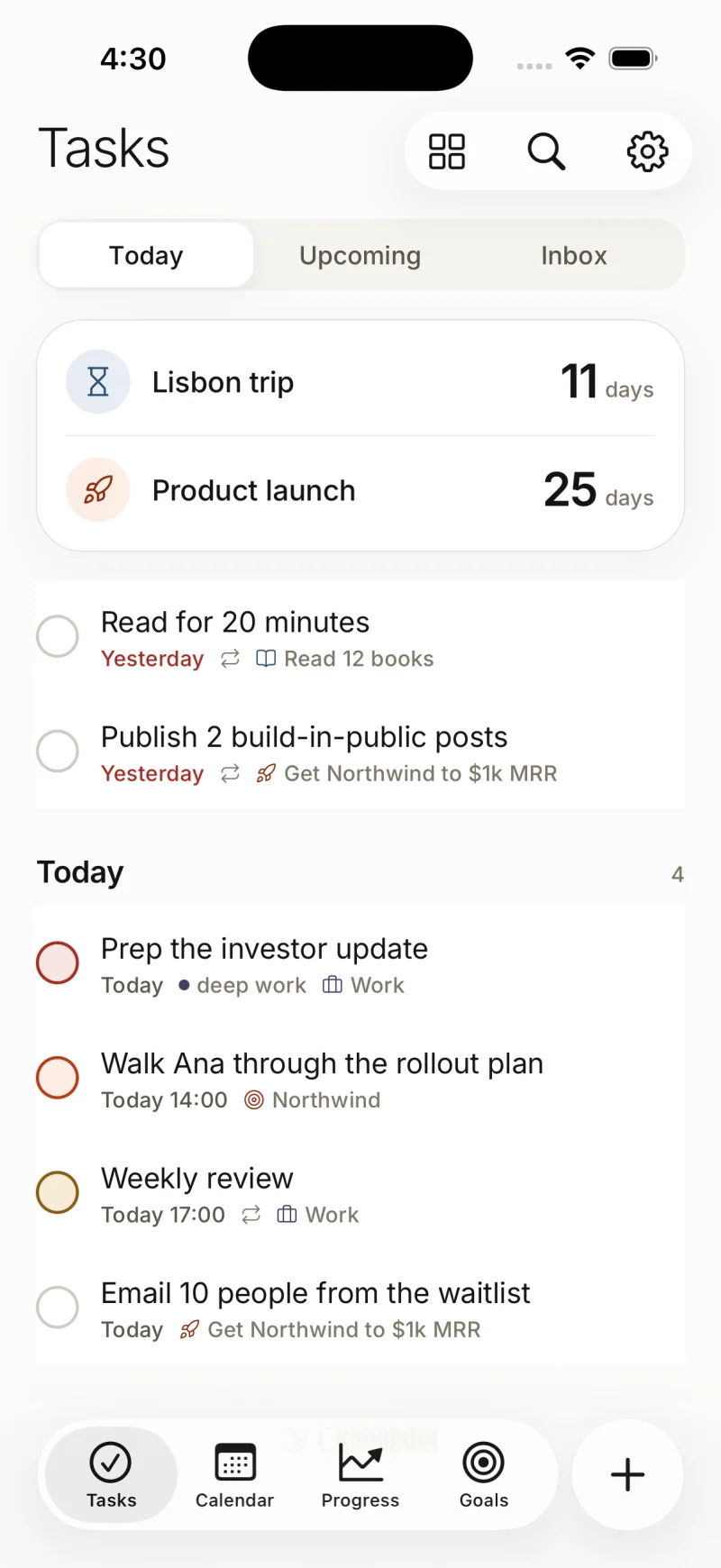
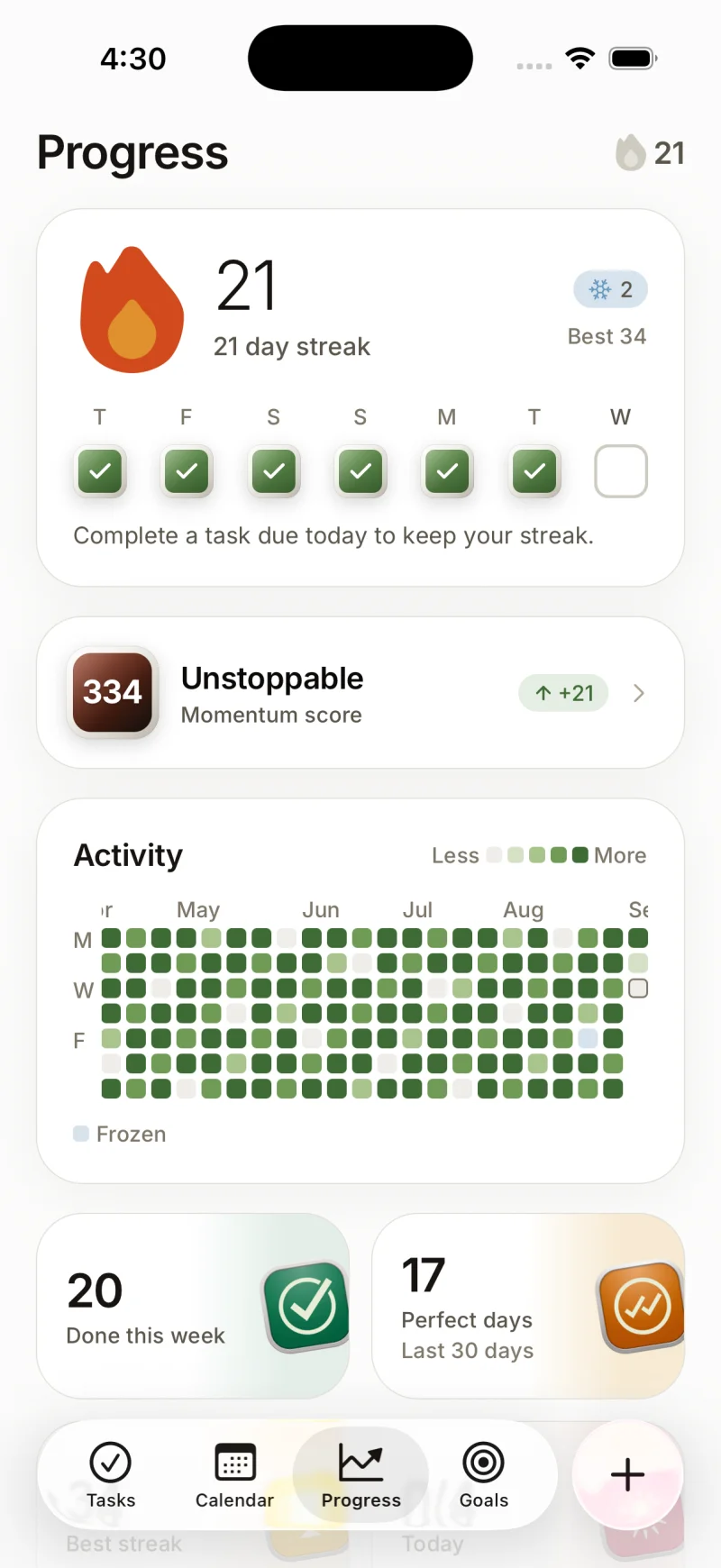
Wake up to one clear day, not three open apps.
Superhive reads your calendar and your inbox, holds your to-do list, and drafts the day before you are awake. It blocks the time, it moves what slipped, and it tells you the four emails that are actually waiting on you.
Free plan, no card. The beta is invite only and we send in batches every week.
The gap
Your calendar knows when you are busy. It has no idea what you owe anyone.
Your inbox holds 41 threads this morning. Four of them are actually waiting on you.
Your list is honest about everything except how much of it fits in a Tuesday.
An assistant closes that gap in about ten minutes a day. Superhive does it before you wake up.
How it works
Three steps, once.
Connect your accounts on Monday and you never think about the setup again.
- CalendarGmail
01
Connect
Google Calendar and Gmail, through Google’s own consent screen. Read access first. Nothing is written to either until you say so.
02
Plan
At 07:00 in your timezone, Superhive reads the day, keeps every meeting where it is, and blocks your tasks into the gaps that are left.
- Finish the pricing deckReply to MartaBook the venue
03
Run the day
One screen, in order. Tick something off and the rest of the day redraws around it. Miss something and it moves, without a red badge.
Features
Everything an assistant would do, and nothing they would not.
Six things Superhive does every day so you do not have to hold them in your head.
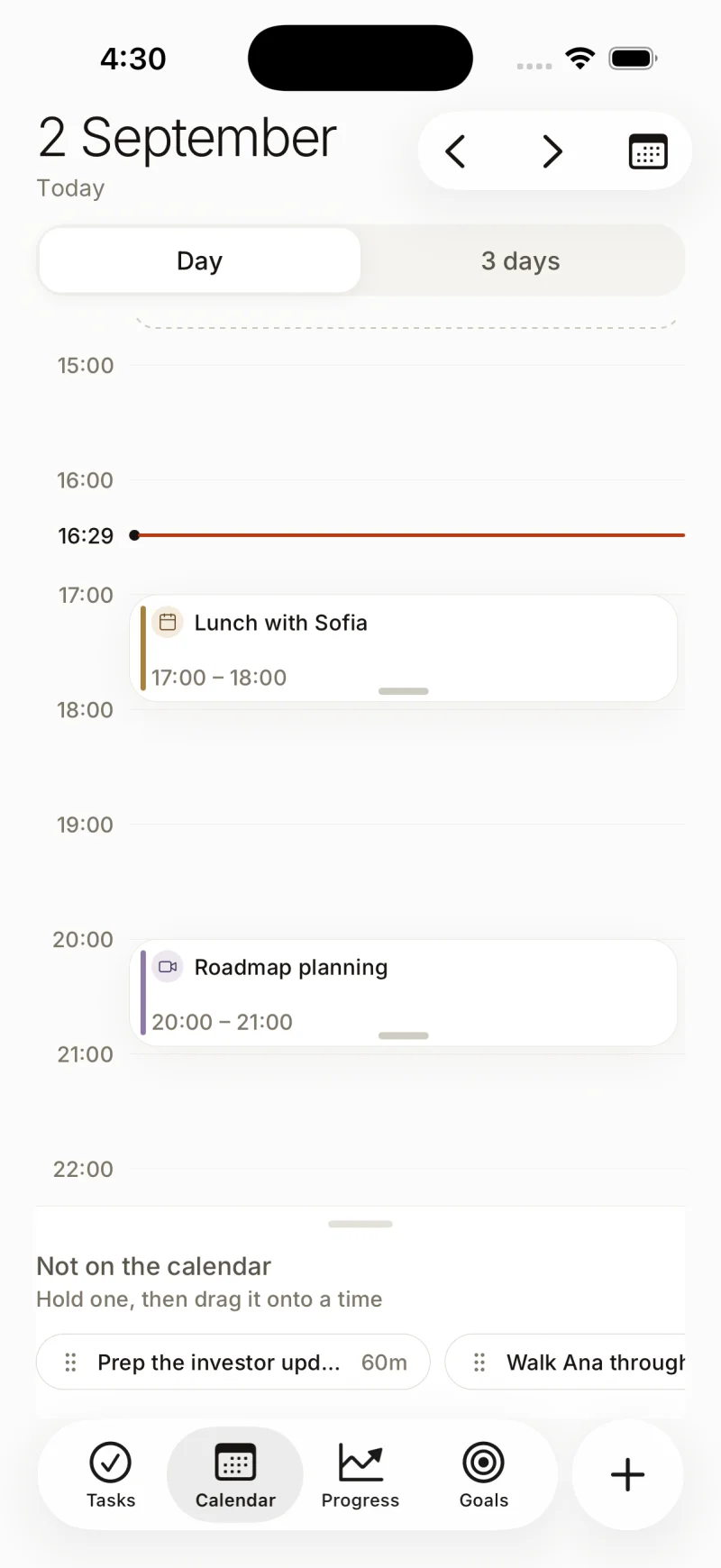
Time-blocking that fills the gaps
Superhive finds the free stretches between your meetings and drops your tasks into them, longest job into the longest gap. Move a meeting and the blocks move with it.
0910111213Standup1:1 with MartaLunchPricing deckReview the briefTwo tasks, dropped into 130 minutes nobody was using.
An inbox that only surfaces what needs you
41 threads in, 4 out. The rest waits.
41threads today4need a reply- Marta RuizRe: contract redline
- Ops weeklyDigest for week 29
- Tomas AlemanCan you approve the spend?
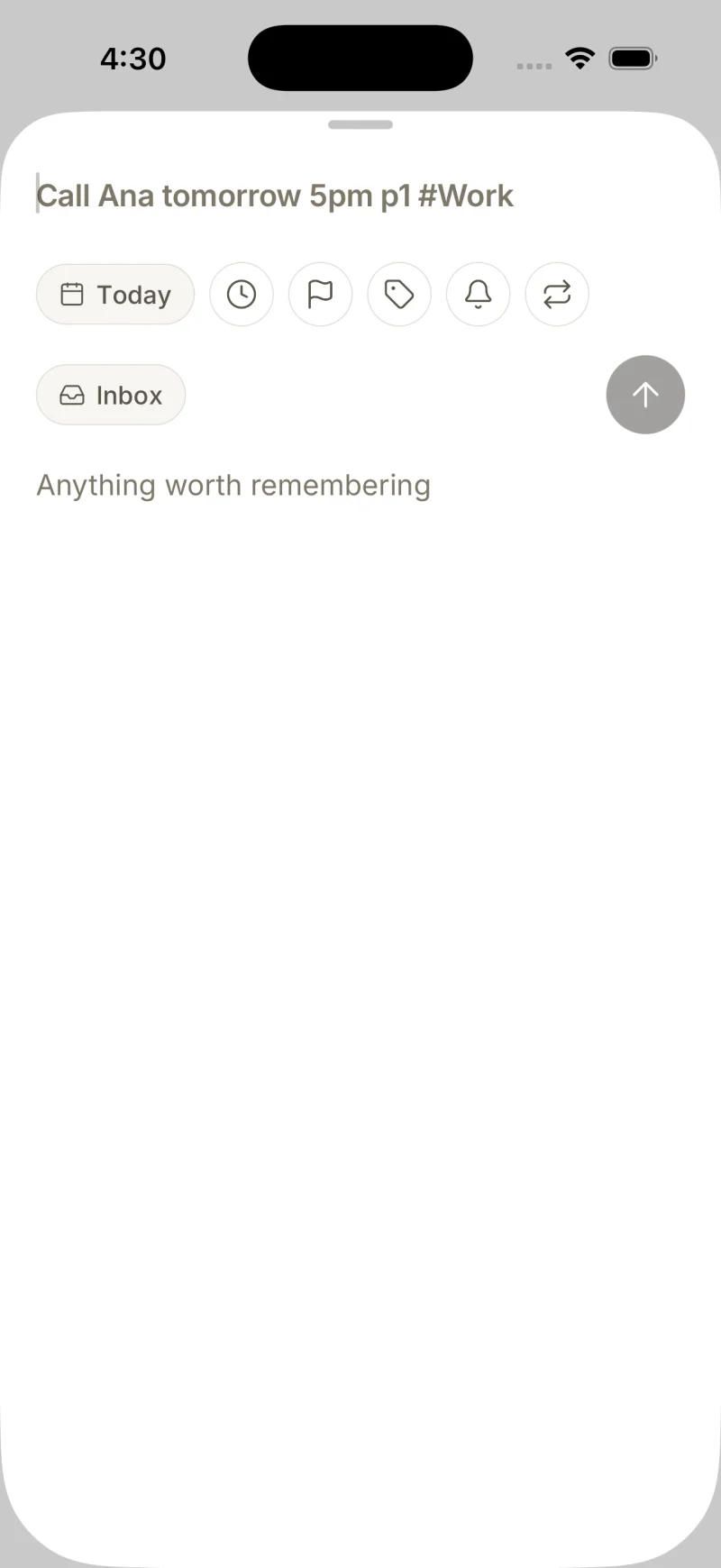
A list that understands "tomorrow at 5"
Type the sentence. It resolves the date, the time and the project.
call mum tomorrow at 5 p2 #Personal
Tomorrow, 17:00Personalp2The morning brief
One notification at 07:00 with the shape of the day: what is fixed, what is due, what slipped from yesterday, and the one thing worth doing first.
Superhive07:00Your day is drafted
4 meetings, 3 tasks due, 195 minutes free. Start with the pricing deck at 09:30.
Calendar sync that goes both ways
Blocks you accept become real events on your Google Calendar, so the people trying to book you can see them. Decline one and it disappears from both.
- Google Calendar4 events read
- Superhive blocks3 written back
Last synced 2 minutes ago.
Recurring tasks that work the way you think
Every other week. Every weekday. The 1st of the month. Superhive reads all three, and repeats from completion when that is what you meant.
every other week
14Tue28Tue11Tue25TueRepeats from completion when you ask it to.
The list, done right
Type the sentence. Superhive does the filing.
The same parser the app ships with runs on this page. Edit the line and watch the chips change.
Start typing and the date, time, priority and project resolve as you go.
Nothing typed here leaves your browser. The parser is the shared package, running client side.
From the beta
“I stopped keeping a second list in my head. That is the whole review, and it took about three days.”
- screen for the whole day, in order
- 1screen for the whole day, in order
- when the brief lands, in your timezone
- 07:00when the brief lands, in your timezone
- emails read by a person at Superhive
- 0emails read by a person at Superhive
- to connect a calendar and an inbox
- 30sto connect a calendar and an inbox
We do not publish customer names, photographs or company logos, and we never will without a signed agreement. The quote above is from a beta user who asked to stay unnamed, and their role is the only detail they agreed to. The four numbers are facts about how the product is built, not results from a survey.
Pricing
Two plans. One of them is free.
Pro pays for the parts that cost us money to run. Everything else stays free for as long as you use it.
Free
$0forever
The to-do list, done properly, with one calendar attached.
- Unlimited tasks, projects and labels
- Natural language quick add
- One connected calendar
- The morning brief
- 7 days of history
No card, no trial clock, no feature that stops working on day 8.
Pro
$8per month
The inbox, the time-blocking and every calendar you own.
- Everything in Free
- Gmail triage and reply drafts
- Time-blocking that fills the gaps
- Unlimited calendars, two-way sync
- Recurring tasks and templates
- Full history and search
7 day trial. Cancel from the app in two taps, and you keep everything Free gives you.
Prices are in US dollars and exclude tax. Annual billing is not available yet.
Questions
What you are actually asking.
Message headers, the first 500 characters of the most recent message in a thread, and the labels you already apply. That is enough to tell a thread waiting on your reply from a newsletter. Attachments are never downloaded. You grant the scope through Google’s own consent screen and you can revoke it from your Google account at any time, without opening Superhive.
No. The snippet is held in memory long enough to classify the thread, then dropped. What we keep is the thread id, who it is from, the subject line and our verdict on whether it needs you. Delete the connection and those rows go with it, in the same request.
Not until you accept a block. Superhive drafts the day inside the app first. When you accept a time block it becomes a real event on the calendar you chose, marked as busy so colleagues cannot book over it. Decline it and nothing was ever written. You can also run the whole product in read-only mode and keep the plan inside the app.
No, and there is no setting to turn it on. Your calendar, your mail and your tasks are never used as training data, never sold, and never shared with an advertiser. The classification runs against your account only.
Google Calendar and Gmail today, personal and Workspace. Outlook and Microsoft 365 are next, then CalDAV. You can connect several Google accounts at once and choose per calendar whether it counts towards your day.
Pro turns back into Free. Nothing is deleted and nothing is locked: your tasks, projects and history stay readable and exportable as JSON. If you delete your account, every row including the connection tokens is removed within 30 days, and the tokens themselves are revoked immediately.
Tomorrow morning, the day is already drafted.
Connect once tonight. Read one screen at breakfast.
26 people are on the list ahead of you.